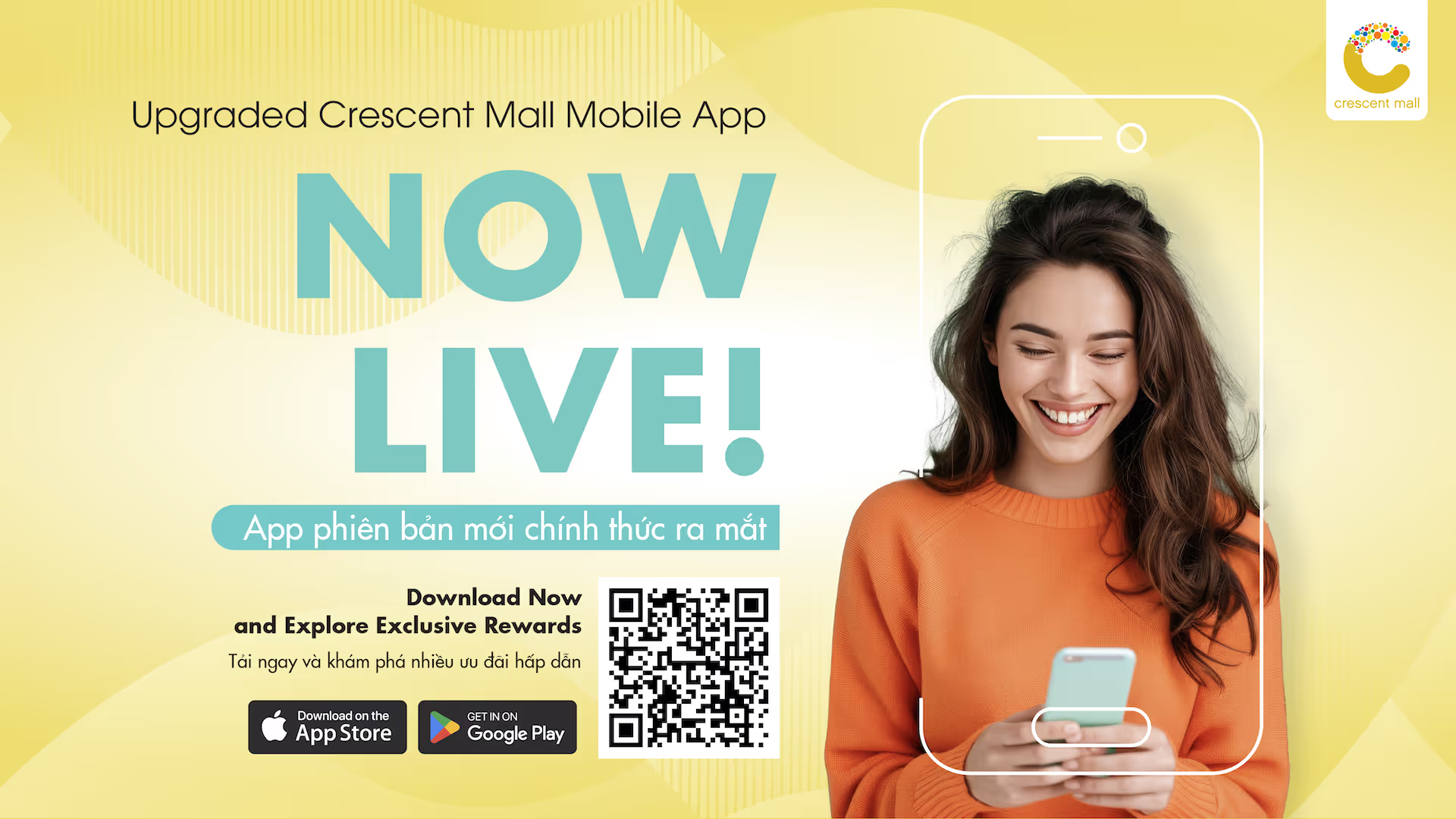
Download the Crescent Mall Mobile app on App store/GG Play
a. New Members:
● Select Sign Up and enter your phone number, name, and password.
● Verify with OTP.
b. Existing Members:
● Select Link Account and enter your email.
● A link is sent to your email. Click to sync your account.
a. Go to MyWallet.
b. Select Link Account and choose your bank.
c. Enter account info:
● Account number/card number.
● Name of the cardholder.
● ID card/Passport number registered with the bank.
Note: To successfully link your bank account, the following conditions must be met:
● The card has been registered for online payment services with your bank.
● The phone number registered with MyWallet matches the phone number registered with your bank.
● The ID card/Passport registered with MyWallet matches the one registered with your chosen bank.
● The card is not linked to any other Crescent Mall account.
d. Enter OTP to confirm.
a. Go to MyWallet in the app.
b. Click eKYC and follow the face and chip scan instructions.
a. Earning Points through MyWallet
● Select Payment and scan the store's QR code.
● Enter the amount and confirm any promotional programs.
● Add a voucher if you have one.
● Confirm payment method.
● C Point will be added to your account automatically after payment.
b. Earning Points through Scan Receipt
● Select Scan Receipt button at the menu.
● Scan your Receipt or Select a photo of your Receipt in your photo album.
● Your Receipt will be approved and C Point will be added to your account after three days of working.
a. Go to My Reward and select Voucher.
b. Choose and confirm your voucher.
c. View redeemed vouchers in My Voucher.
d. Use the voucher according to the conditions and location stated in the voucher information.